
PhotoCraft guides, tutorials and comparisons — Page 2
Practical bilingual PhotoCraft guides covering online image editing, PSD files, compatibility, safety and Photoshop alternatives.
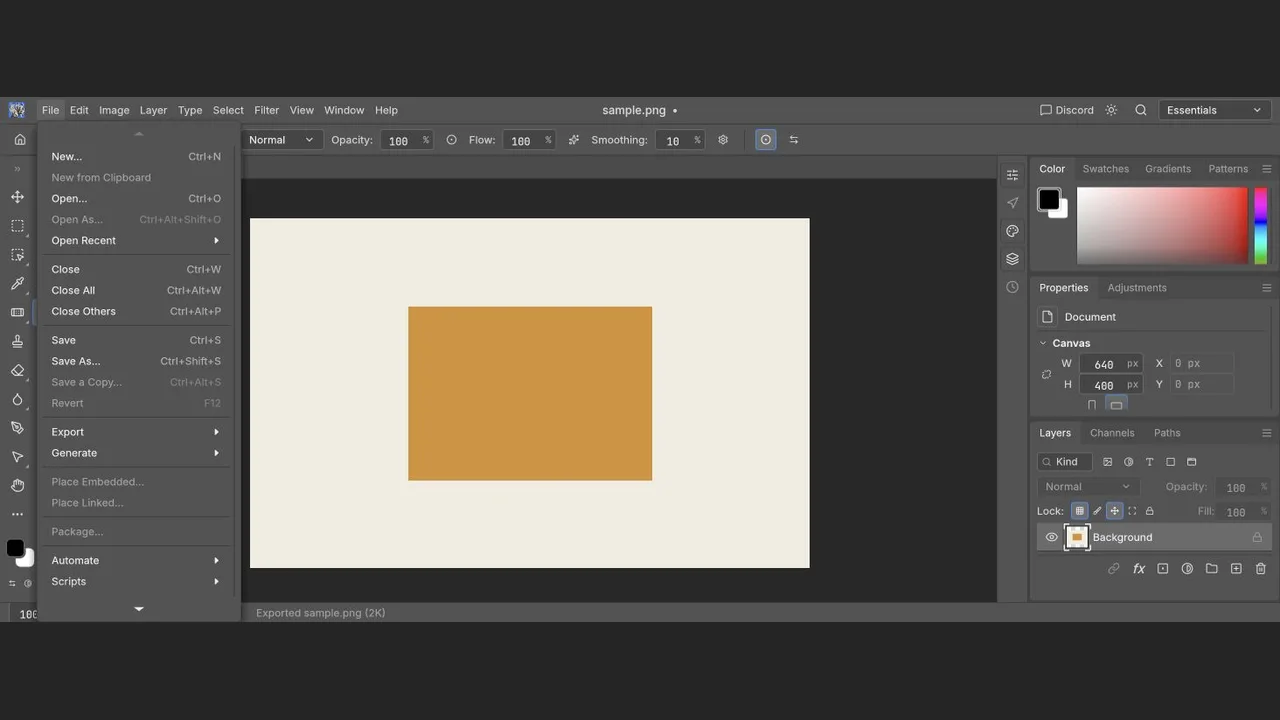
Product essentials2026/10/10
Is PhotoCraft Safe? Downloads, Files and Privacy
Evaluate official desktop builds, this independent web host and third-party plugins. Basic web edits stay local; check SHA-256 before installing.
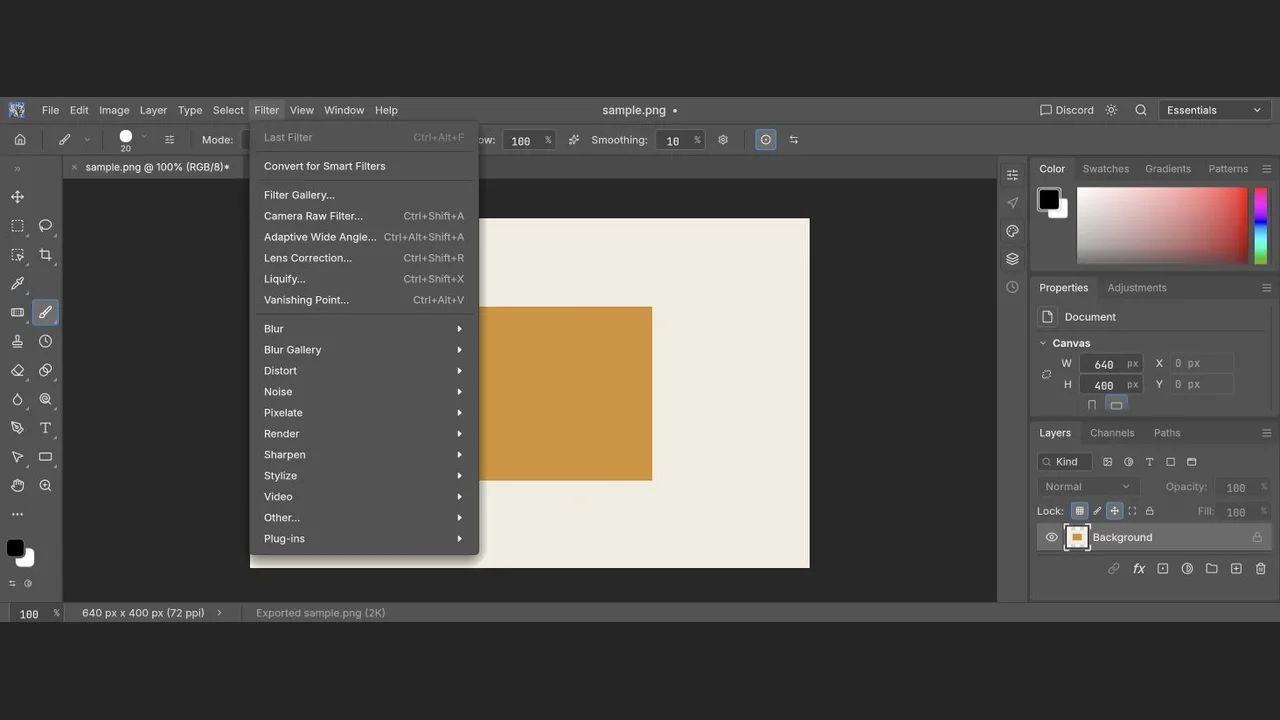
Product essentials2026/10/10
Does PhotoCraft Have AI? Generative Fill, Removal and Expand
PhotoCraft supports generative fill through third-party desktop workflows. This site's Web v0.5.0 editor has no built-in AI generation.
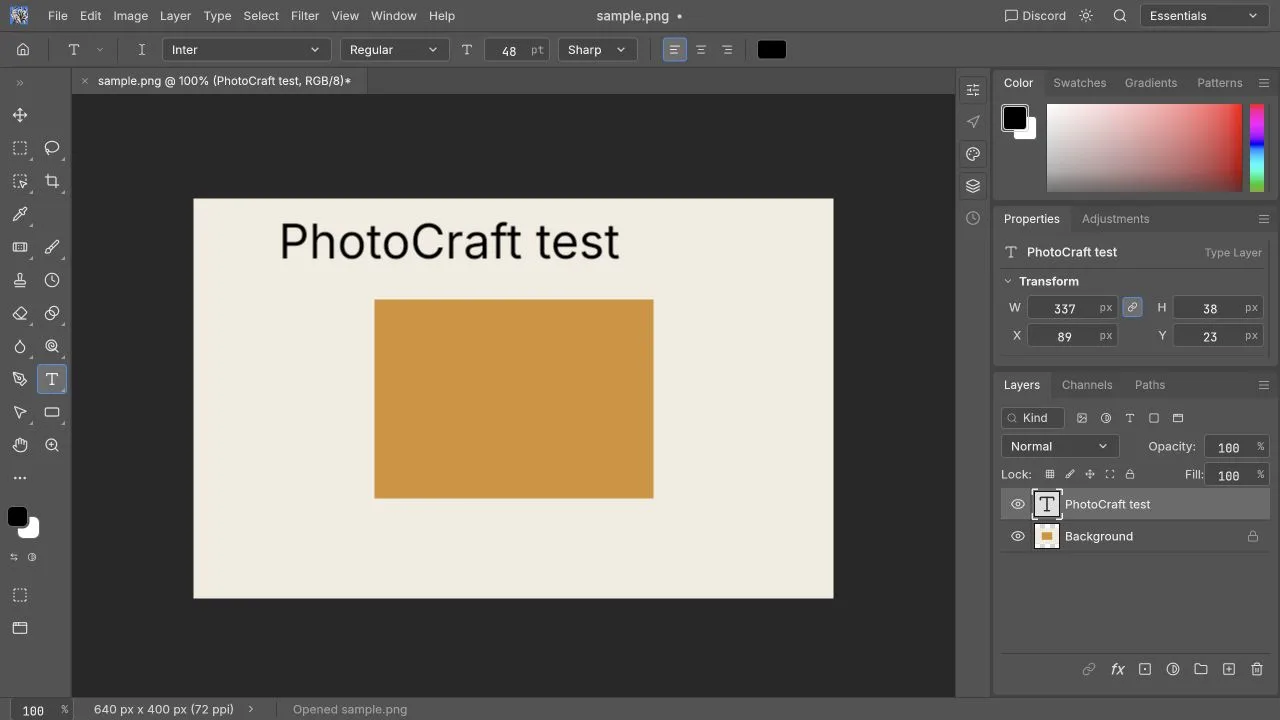
Compatibility and troubleshooting2026/10/10
How to Add Fonts to PhotoCraft: Windows, Mac and Web
Add fonts on Windows or Mac, understand browser font limits, and troubleshoot PhotoCraft fonts not showing, Chinese glyphs and changed PSD text.
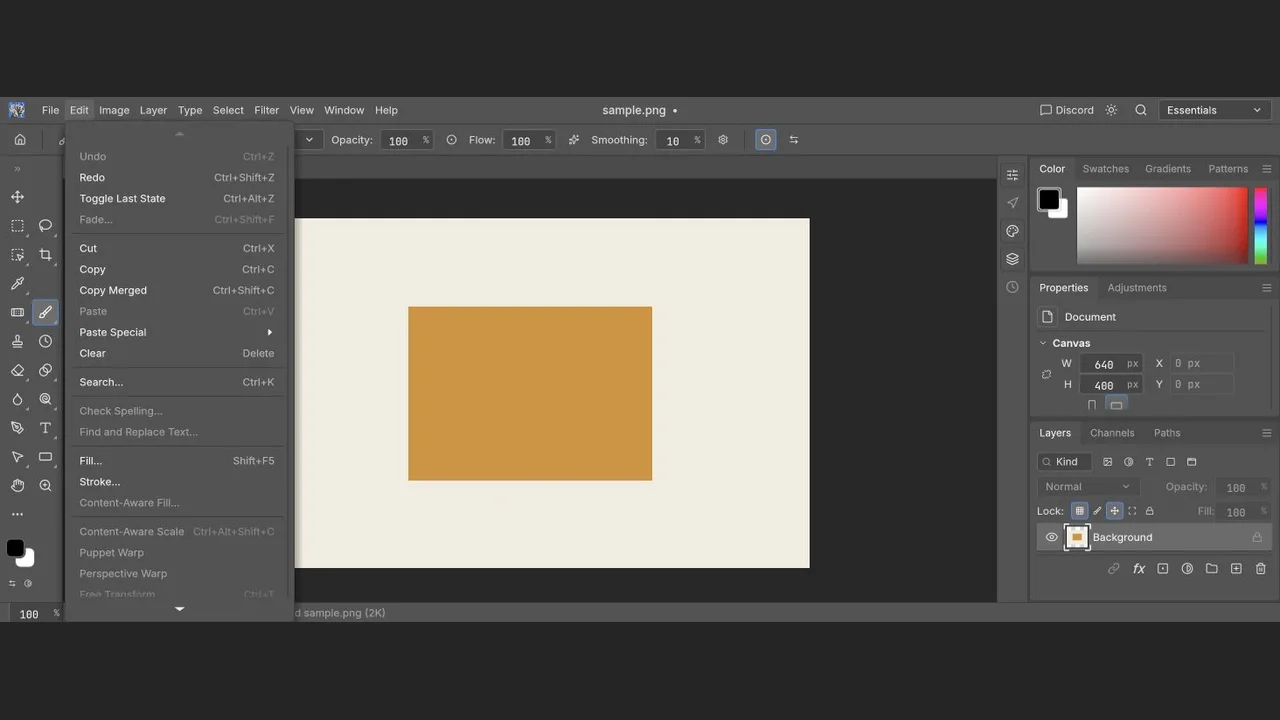
Compatibility and troubleshooting2026/10/10
PhotoCraft Keyboard Shortcuts for Web
A practical PhotoCraft v0.5.0 shortcut reference, with Windows and Mac keys, browser conflicts, focus checks and menu alternatives.
Practical tutorials2026/10/10
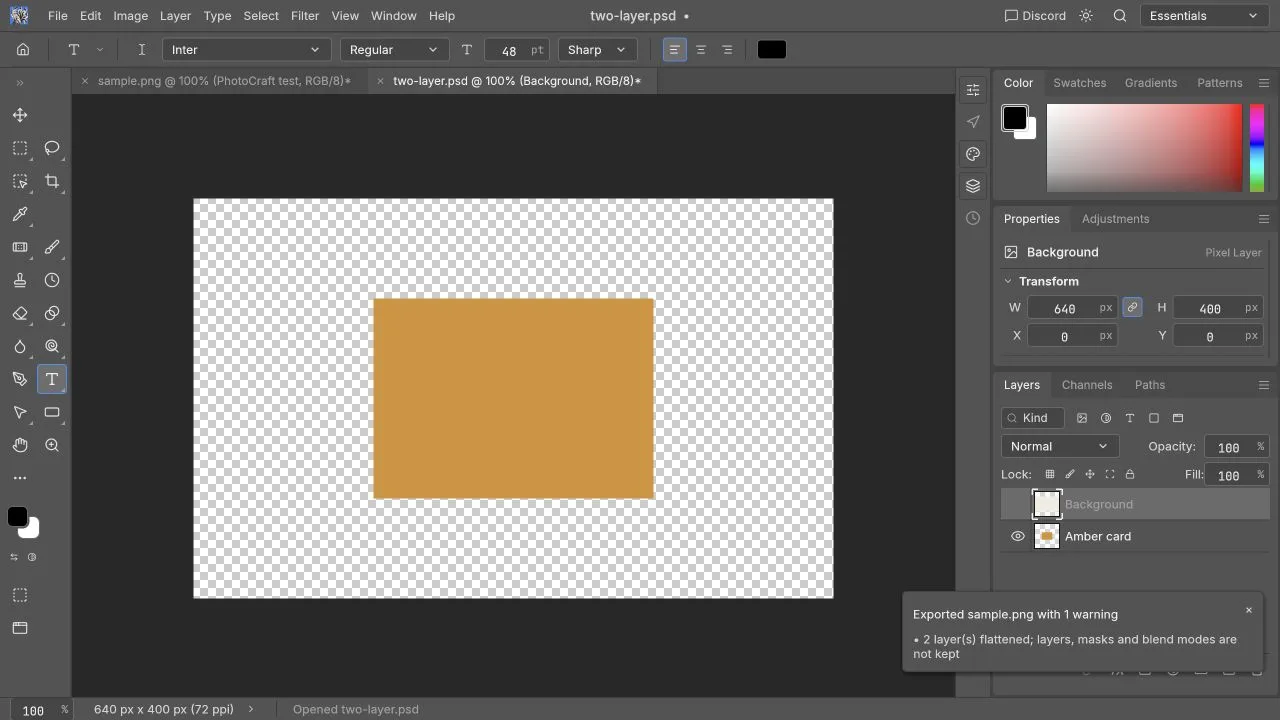
PhotoCraft Layers and Masks Guide
Understand layer order, visibility, opacity, masks, and adjustment layers in PhotoCraft, with a simple exercise and checks for PSD projects.
Compatibility and troubleshooting2026/10/10
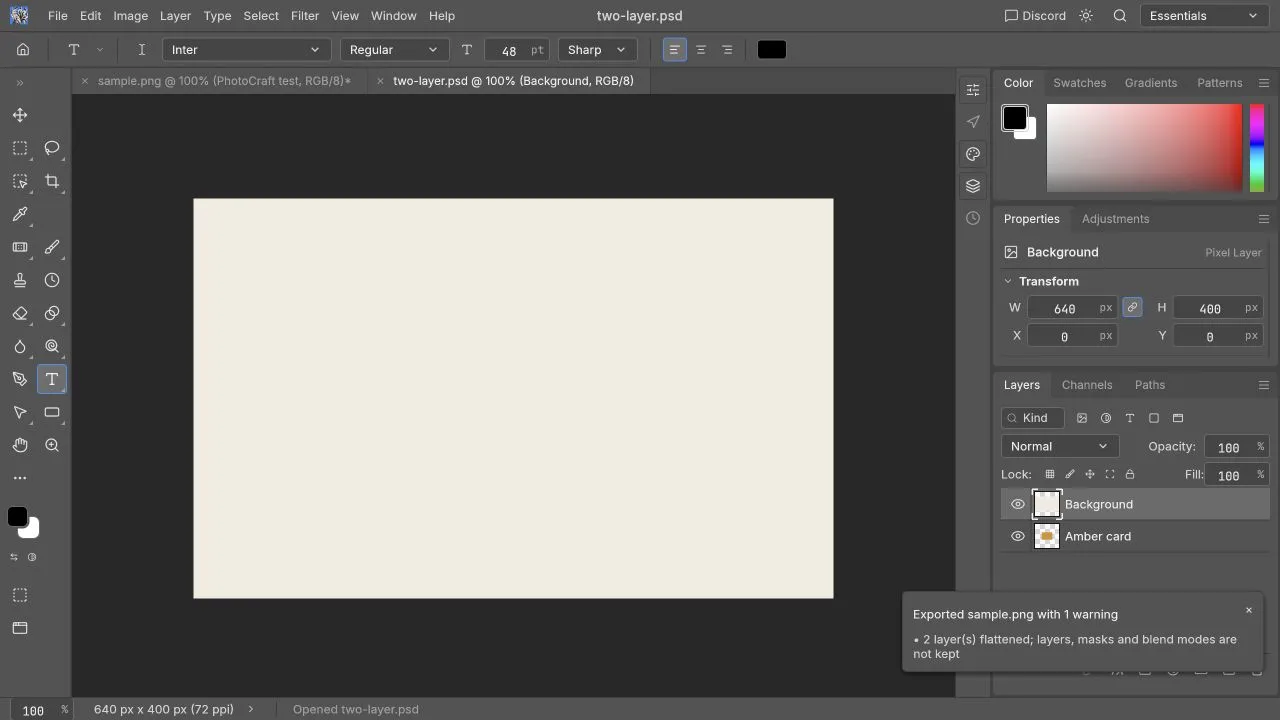
PhotoCraft PSD Compatibility: What We Tested
Understand PhotoCraft v0.5.0 PSD support, raw-block preservation, editable layers, smart objects, fonts and the checks needed before a client handoff.