
PhotoCraft Online Editorial Team · Updated:
PhotoCraft Chinese Text and Fonts Guide
Separate website language, editor language, text input, and font rendering in PhotoCraft. Diagnose Chinese glyph issues and font changes without damaging a PSD.
A Chinese website interface does not automatically guarantee Chinese editor menus, reliable Chinese typing, or matching PSD fonts. These are separate capabilities. In PhotoCraft v0.5.0, check the editor's language options and test a short Chinese text layer before relying on a long caption or a client's template.
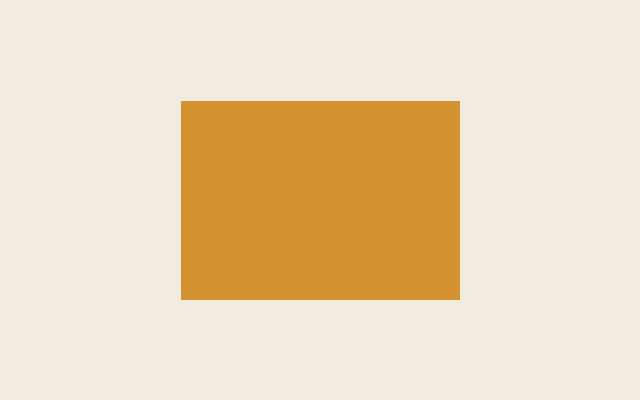
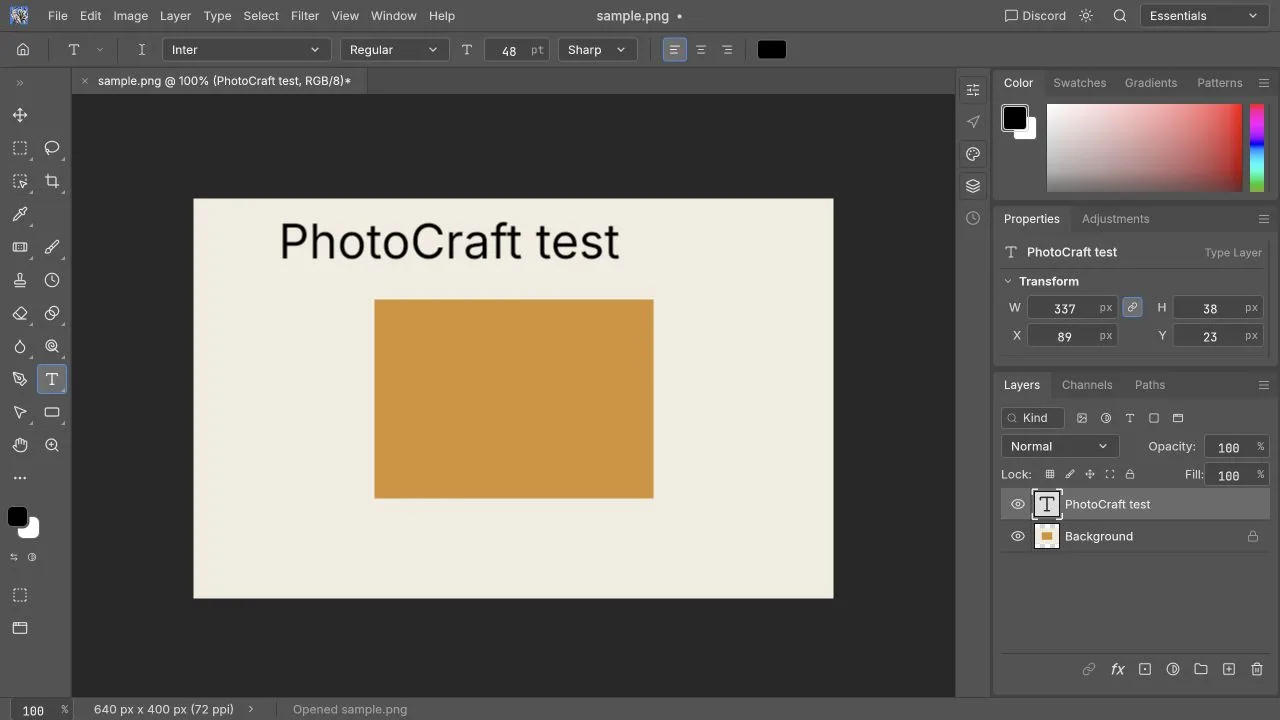
Do a short Chinese sample before trusting a long title or PSD template. The current local check is narrower: on October 10, 2026, the v0.5.0 browser build added the English text PhotoCraft test to sample.png (640 × 400, RGB 8-bit, 3,390 bytes), created a separate Type Layer, and downloaded a 640 × 400 PNG with that text visible. It ran locally on macOS 26.2 (25C56), Codex in-app Chromium, at 1280 × 720; browser engine version and graphics backend were not independently recorded. Chinese input, CJK rendering, and imported PSD text were not tested.
The versioned upstream roadmap records UI localization work, while noting that some messages remain English and CJK Web font support still has open work. Treat those notes as upstream status, not as a pass result for your Chinese text. Official localization assessment
Four questions that need separate answers
| Question | What to test | What it does not prove |
|---|---|---|
| Is the website in Chinese? | Navigation and article language | Editor localization |
| Are editor menus translated? | Actual editor language settings and visible labels | Chinese font coverage |
| Can I enter Chinese? | Input-method composition and committed characters | Correct rendering in exports |
| Does my PSD font match? | Glyphs, weight, spacing, and line breaks | A font is available merely because its name appears |
This site supplies Chinese and English explanatory pages. The embedded application retains its own upstream settings. Switching the website language must not be understood as a promise that every application message will translate at the same time.
Start with a short text experiment
Use a non-sensitive photo copy and open the editor. Create a short text layer with 春日散步 PhotoCraft 2026, then add a second line such as 价格 ¥99,数量 2. This small sample includes Chinese characters, Latin letters, numbers, punctuation, and a currency sign.
Record the selected font, size, weight, operating system, browser version, and editor version. Try normal typing with your input method; wait until the composition is committed before moving the layer or using shortcuts.
Expected result: all characters are visible, punctuation has sensible placement, and the text stays editable. Then export a PNG and check it in another viewer. A successful canvas preview alone does not prove that a saved project or image will preserve the text.
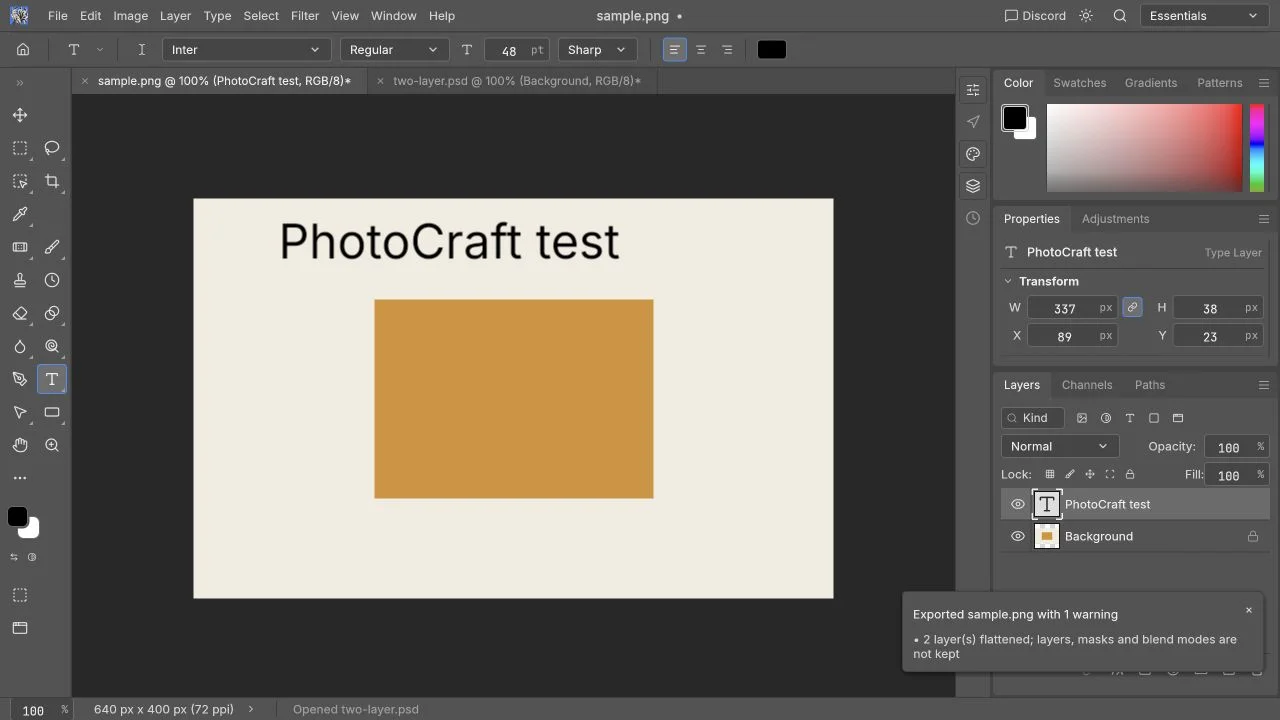
This workspace image shows where to inspect text and font controls. It is not a passed Chinese input or CJK font-rendering test; the Chinese sample above remains a suggested diagnostic sequence.
The text appears as boxes or missing characters
Start by separating encoding from font coverage. If Latin characters display but Chinese characters become boxes, a missing glyph is a useful hypothesis. If copied text already looks wrong in a plain text application, the problem may predate the editor.
- Keep the original wording in a plain text note.
- Select the actual text layer and confirm the font shown by the editor.
- If an alternative with suitable CJK coverage is available in that build, test it on the short sample.
- Compare both the canvas and a new export.
- Keep the failed and successful samples with their font names if you report a problem.
Do not assume that every system font on the machine is available to the browser editor. PhotoCraft's font notes discuss optional CJK font inputs and desktop system-font behavior; that is not a guarantee of identical discovery in the Web build. Official font notes
Installing a font and reloading the page may also discard unsaved work. Save first, and do not present a speculative installation as a confirmed fix.
A PSD opens, but the title wraps differently
Font substitution changes more than appearance. A different face or weight can change character widths, line breaks, paragraph height, and the relationship between text and neighboring graphics.
First compare the imported design with a trusted preview. Ask its creator for the exact family and weight, the text box dimensions, and any relevant font license. Inspect whether the text is still an editable type layer. A rasterized title is already pixels; changing font controls will not reconstruct its source.
Expected result: matching font and layout give acceptable line breaks and position. If a substitute is necessary, treat it as a deliberate design change requiring approval, rather than describing the import as unchanged.
Do not shrink the font repeatedly to conceal a mismatch. That can make a poster fit while introducing inconsistent hierarchy and spacing. When the original typeface is unavailable, a flat preview may serve as a visual reference, but it does not preserve editable text.
Typing triggers shortcuts or commits unexpectedly
Click into the editor, select the text layer, and ensure the caret is active. Keys sent to an embedded workspace depend on focus; keys outside it may go to the surrounding page or browser. Official embedding and focus behavior
During input-method composition, Enter and other keys may belong to the input method rather than the application. Finish a short composition first, then use menu actions to move or transform the layer. If necessary, compare a direct editor window with the embedded one, after saving your current work.
Report the exact sequence: input method, characters, active tool, and whether the issue occurs during composition or after commitment. “Chinese is broken” does not distinguish a glyph problem from a focus or input-event problem.
The menu language is unexpected
Inspect the language options actually available in the editor's preferences. Upstream localization does not mean all status strings are translated, and its roadmap specifically notes browser-locale detection as open work. A browser configured for Chinese therefore does not establish which language the application will start in. Versioned localization limits
Use the matching English command name from a tutorial when needed. Keep language problems separate from image editing failures: a partially English dialog may still operate correctly, while translated labels do not prove the requested edit succeeded.
What should you check before delivery?
Check characters, punctuation, line breaks, alignment, clipping, and readability at final display size. Verify the downloaded image in another viewer and, if required, reopen the layered project in the recipient's software. Font names stored in a project do not automatically grant access to the font files or their usage rights.
For a website graphic, an accepted flat export may complete the task. For an editable PSD handoff, unresolved substitution is a compatibility issue. Continue with PSD editing, PSD compatibility, or the troubleshooting guide depending on the symptom.